
Meeting / idea / Journal / Study / Reflect
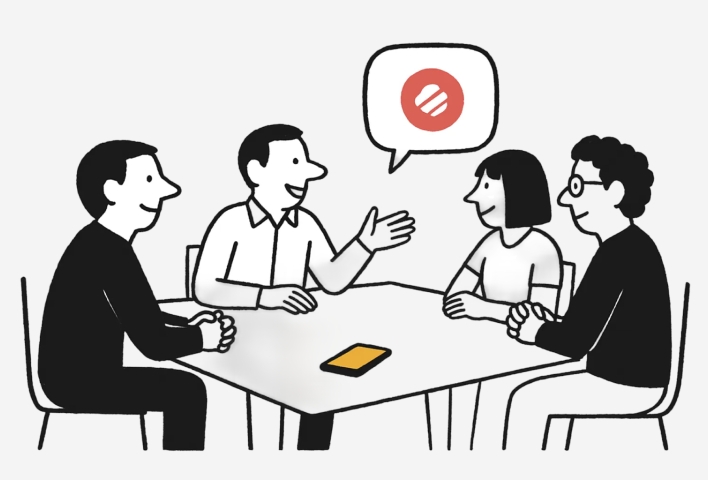


Record with your watch and get meeting minutes instantly
I found that it works perfectly with Apple Watch—you can record anytime and transcribe later, and the meeting notes are generated automatically. You can even see what each speaker said, get AI summaries, and ask about specific meeting details. It truly frees your hands!
The speech recognition is incredible!
It offers high accuracy, lets you replay audio sentence by sentence with text, recognizes speakers and supports many other languages, and can translate too. It’s one of the most complete voice recognition tools out there. The experience is also super convenient—supports shortcuts, mini-programs, Siri, and transcribing from watch recordings.
Perfect tool for capturing ideas on the go
Finally, I can record my thoughts securely during walks or runs—even without bringing my phone! It also supports sharing to platforms like Notion, Obsidian, and iPhone Notes. The built-in AI turns your input into key credits and to-dos, sets reminders, and helps you close the loop.
Helps me turn ideas into action quickly
After converting voice to text, the AI handles the structuring—no need to tag, trim, or format manually. Even better, it helps expand my thoughts. I often use it to explore abstract ideas with AI, and ideaShell does this really well with built-in prompts tailored to different scenarios.
Recording ward round information is truly useful
Every morning during ward rounds, I hold the medical chart while listening to the senior doctor explain the case—there’s just too much info to write by hand. With Apple Watch, a quick double pinch lets me record instantly and convert it into to-dos. Patient conditions, pre-op prep, key notes from the round—all clearly organized.
A must-have for recording your thoughts while walking
I love using voice notes to help sort through my emotions. After transcribing to text, I can continue the conversation with AI—it often reveals perspectives I hadn’t even considered. By writing and speaking continuously, my thoughts flow and clear out, making space for new ideas and fresh energy to enter my life.
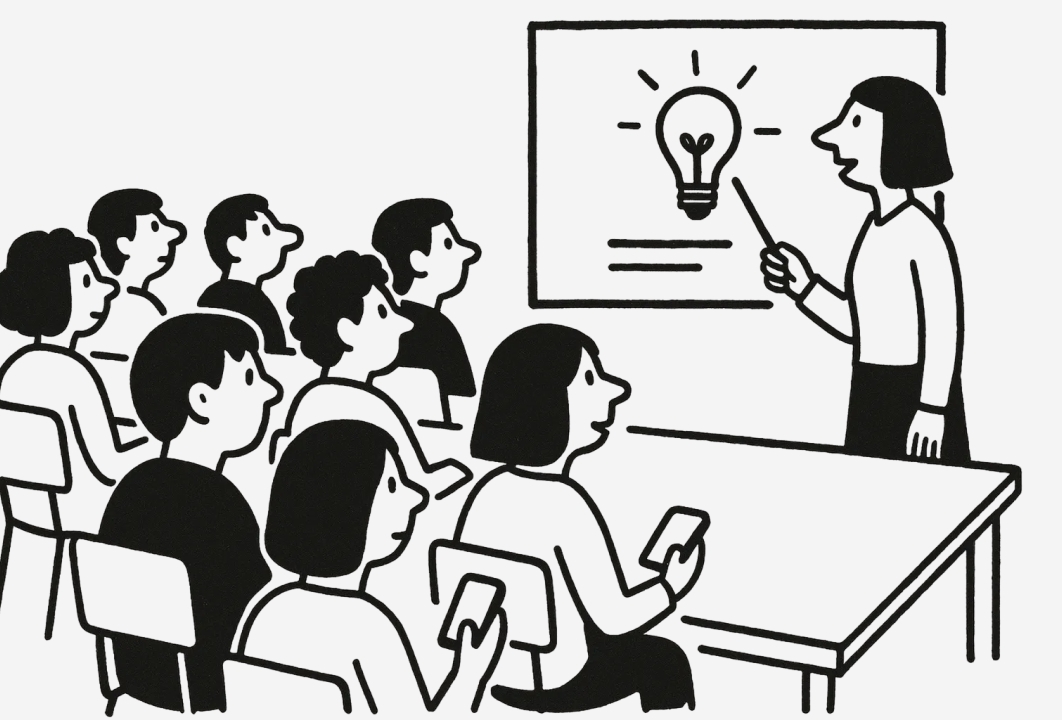
Even if the teacher speaks too fast, I can still capture everything
Sometimes the teacher explains important concepts but erases the board right after—there’s no time to take notes. I usually just start recording and let the AI generate a full summary of the key credits. It’s often way more convenient than handwriting!
It fits perfectly into my note-taking workflow
Recording reminds me of using an old-school tape recorder, but the voice turns into text almost instantly. It even auto-generates tags for me—no need to type them manually. There are also built-in prompts that let me turn notes into weekly reports, emails, work summaries, or even social posts with one click. Plus, I can share everything to Notion. I used to type everything on my phone. Now with ideaShell, capturing ideas is so much faster.
All rights reserved. RoundRedDot Inc.
Everything starts from a Dot.
Receive 100,000 AI Credits
-
Install ideaShell App
Back here and press "Claim Credits" or enter the invitation code on the Settings/My Account page.